
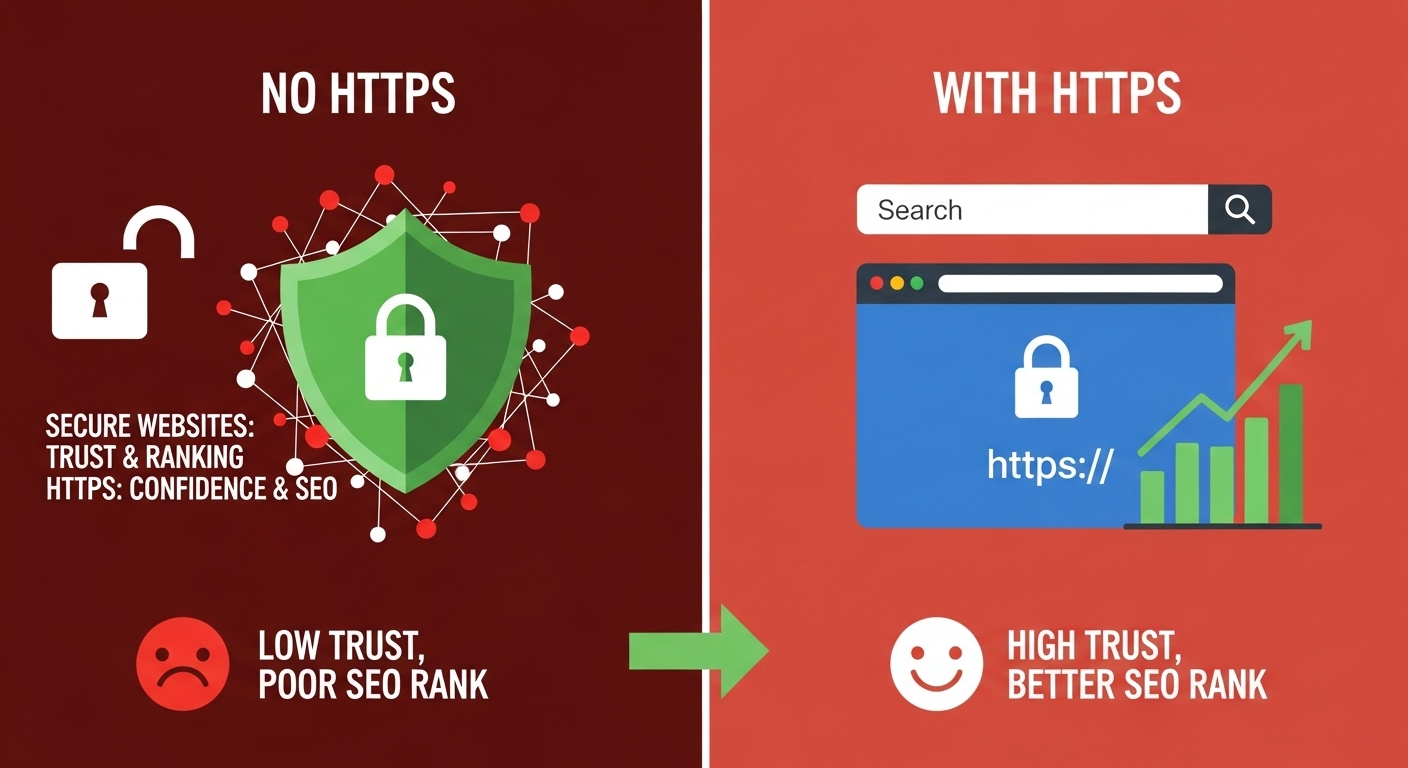
When people visit your website, they make split-second decisions about whether to stay or leave. A big part of that decision comes down to trust. One of the simplest but most powerful ways to build that trust is by having a secure website with HTTPS. It is not just a technical upgrade; it affects how users and search engines view your business.
Why Website Security Matters
Website security protects your data, your visitors, and your reputation. When a website uses HTTPS, it means information between your site and your visitors is encrypted. This prevents hackers from stealing sensitive details such as login information or payment data.
From a user’s perspective, a secure site feels reliable. Visitors are far more likely to fill out forms, make purchases, or share information when they see a padlock icon in the browser address bar. That small symbol signals safety and professionalism.
HTTPS and SEO Rankings
Google has confirmed that HTTPS is a ranking factor. While it may not outweigh content quality or backlinks, it still plays an important role. Search engines want to send users to trustworthy websites. When your site is secure, it gets a slight ranking advantage over competitors who still use HTTP.
In addition, browsers like Chrome now label non-secure sites with a warning. That message alone can drive potential customers away. If visitors leave quickly, your bounce rate increases, which can negatively impact your rankings. So, HTTPS is not just about security; it is about visibility and credibility too.
The Psychology of Online Trust
People naturally avoid risk. When a website looks unsafe, their instinct is to leave. A secure connection reduces hesitation and encourages action. This is especially important for local businesses and agencies where trust is everything.
Studies in consumer behavior show that visible security indicators, such as SSL certificates and HTTPS, increase perceived trustworthiness. In simple terms, when users feel safe, they are more likely to stay longer and convert.
How to Secure Your Website
Securing your website is easier than most business owners think. Here are practical steps:
- Purchase and install an SSL certificate from a reputable provider.
- Redirect all HTTP pages to HTTPS.
- Update internal links, images, and scripts to use HTTPS.
- Renew your SSL certificate annually to avoid expiration issues.
- Monitor your site regularly for security warnings or mixed content errors.
If you work with an experienced web agency, they can handle all of this for you while ensuring your site stays fast and SEO-optimized.
Key Points to Remember
- HTTPS protects your website data and user information.
- Google uses HTTPS as a ranking factor for SEO.
- A secure site builds trust and encourages visitors to take action.
- Modern browsers label non-secure sites, reducing credibility.
- Website security is a simple, long-term investment in both user confidence and rankings.
FAQs
Q1: Why does Google prefer HTTPS websites?
A: Google wants users to have a safe browsing experience. HTTPS ensures data is encrypted, which reduces security risks and improves overall trust.
Q2: Does switching to HTTPS improve SEO immediately?
A: You may not see instant ranking jumps, but it strengthens your site’s overall SEO health and trust signals, which support better visibility over time.
Q3: What happens if my site is not secure?
A: Visitors may see a “Not Secure” warning in their browser, which can reduce traffic, conversions, and trust in your business.
Q4: How much does an SSL certificate cost?
A: Many hosting providers include basic SSL certificates for free. Paid options offer stronger encryption and additional trust features for businesses handling sensitive data.
Q5: Is HTTPS necessary if my site does not collect personal data?
A: Yes. Even informational websites benefit from HTTPS because it signals reliability to both visitors and search engines. It also protects against tampering or data injection.