
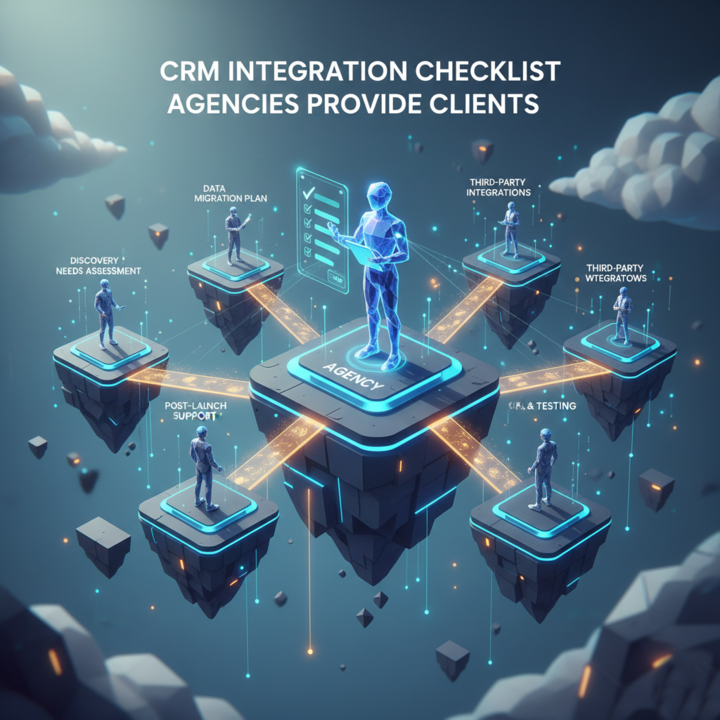
Managing client relationships effectively is essential for any business looking to grow consistently. For agencies, integrating a Customer Relationship Management (CRM) system is no longer optional — it is a necessity. A proper CRM setup ensures your team can track leads, follow up efficiently, and ultimately turn first-time buyers into returning clients. At Intramind Solutions, we have years of experience helping agencies implement CRM systems that streamline operations and improve client retention.
Why CRM Integration Matters
Agencies often work with multiple clients across different regions, including Australia, the UK, and the USA. Without a unified CRM, information can get lost, follow-ups can be delayed, and opportunities can be missed. A well-integrated CRM centralizes client data, automates routine tasks, and provides insights that guide your team toward strategic decisions. The result is higher productivity, improved client communication, and increased chances of converting leads into loyal returning clients.
Key Steps in a CRM Integration Checklist
- Define Your Goals
Before integration, identify what you want the CRM to achieve. Are you tracking sales pipelines, measuring campaign effectiveness, or improving client support? Clear goals ensure the CRM is tailored to your agency’s workflow. - Audit Your Existing Systems
Assess current tools, spreadsheets, and processes. Identify which data must be migrated and how to avoid duplication. - Choose the Right CRM Platform
Select a platform that matches your agency’s size, client load, and service offerings. Popular options like Salesforce, HubSpot, or Zoho offer features suited for different budgets and scales. - Data Migration and Integration
Ensure that client records, communication history, and project details move seamlessly to the new CRM. Integration with email, calendars, and project management tools is crucial for a smooth workflow. - Training and Adoption
Your team must understand how to use the CRM effectively. Schedule training sessions and create guides for onboarding new staff to maintain consistent processes. - Regular Review and Optimization
A CRM is not “set and forget.” Regularly review data accuracy, workflow efficiency, and reporting metrics to continually enhance performance and client satisfaction.
Key Points to Remember
- CRM integration improves client retention and efficiency.
- Defining clear goals before integration sets the foundation for success.
- Data migration and system integration prevent errors and lost information.
- Ongoing training ensures your team consistently leverages the CRM.
- Regular review and optimization maximize the CRM’s value.
FAQs
1. What is a CRM system and why do agencies use it?
A CRM system centralizes client information, tracks interactions, and streamlines communication, helping agencies manage relationships and retain returning clients.
2. How long does CRM integration take?
Integration varies based on agency size and existing data complexity but typically ranges from a few weeks to two months.
3. Can a CRM improve client retention?
Yes, by providing timely follow-ups, personalized communication, and accurate tracking of client preferences, CRM systems increase returning client rates.
4. Do I need technical expertise to integrate a CRM?
Basic setup can be done by staff with training, but complex integrations may require professional assistance.
5. Which CRM is best for agencies in Australia, the UK, or the USA?
Salesforce, HubSpot, and Zoho are widely used and offer features adaptable for agencies operating in these regions.
Implementing a CRM system is an investment in your agency’s efficiency and client satisfaction. If you’re looking to turn first-time buyers into returning clients, Intramind Solutions can help you set up and optimize your CRM for real results. Learn more about how we can help your agency improve client management and retention.